
Running a business today means being active on many social platforms. You need to post on Instagram, Facebook, LinkedIn, and TikTok. Doing this by hand takes hours every day. This is where social media management tools come in.
These tools help you plan, post, and track your content from one place. They save time. They reduce stress. And they help your brand grow faster.
In this guide, we will explain everything you need to know about social media management tools. We will keep things simple and clear. By the end, you will know exactly how to pick the right tool for your business.
If you need expert help with your social media strategy, rankwithmahnoor.com is here to guide you every step of the way.
Many business owners try to manage everything on their own at first. It feels manageable when you only have one platform. But once you add a second, then a third, the workload doubles and triples fast. You start missing posting days. You forget to reply to comments. Your engagement drops, and so does your growth.
A good social media management tools fixes this problem. It puts everything in one place, so you never feel overwhelmed again. This guide will walk you through what these tools do, the best options available, and how to choose the right one for your brand.
What Are Social Media Management Tools?
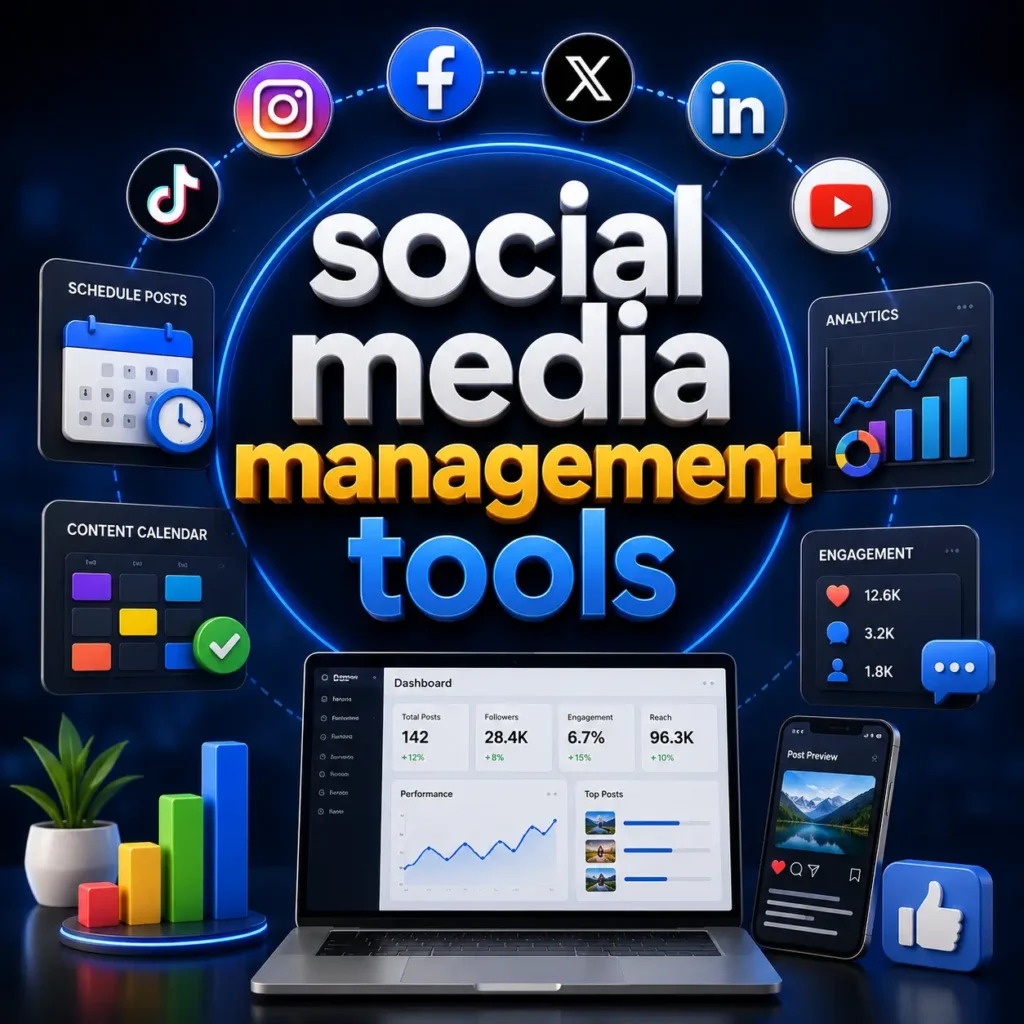
Social media management tools are software platforms. They let you handle all your social media accounts in one dashboard. Instead of logging into five different apps, you log into one tool.
These tools usually offer features like:
- Scheduling posts ahead of time
- Tracking likes, comments, and shares
- Managing messages and comments
- Creating reports on performance
Small business owners use these tools daily. Marketing teams use them too. Even solo content creators rely on them to stay organized.
Think of a social media management tools as a control room for your brand. Instead of jumping between five apps on your phone, you open one dashboard. You see your full calendar, your latest comments, and your performance numbers, all at once.
These tools also remove the guesswork from timing. Instead of posting whenever you remember, you set a schedule once and let the tool handle the rest. This alone changes how consistent your brand looks online.
Why Businesses Need Social Media Management Software
Social media moves fast. New trends appear every week. Without the right tools, it is easy to fall behind. Social media management software helps you stay consistent.
Here is why businesses need it:
- It keeps your posting schedule on track
- It helps you reach the right audience
- It shows you what content works best
- It saves your team from doing repetitive tasks
Without these tools, many businesses post randomly. This leads to poor results. With a proper tool, every post has a purpose.
Think about a local restaurant trying to grow its online presence. The owner posts when they remember, sometimes once a week, sometimes not at all. Followers lose interest. Engagement drops. Competitors who post daily start pulling ahead.
Now imagine the same restaurant using a social media management tools. They plan a full month of posts in one afternoon. Photos of new dishes go out every Tuesday. Customer reviews get shared every Friday. The page looks active and trustworthy. That consistency builds real customer trust over time.
This is the real power of social media management software. It is not just about saving time. It is about building a brand people can rely on.
How These Tools Save Time and Improve ROI
Time is money. Posting manually to five platforms can take over an hour each day. Social media management tools cut this time down to minutes.
You can schedule a full week of content in one sitting. The tool posts everything automatically. This frees up your time for other tasks, like talking to customers or planning new campaigns.
These tools also improve your return on investment (ROI). Built-in analytics show you which posts perform well. You can then focus your budget and effort on what actually works.
Many businesses today struggle to prove that social media efforts are worth the time. Without clear numbers, it is hard to know if your marketing is paying off. Social media management tools solve this by turning raw activity into clear reports.
For example, you might discover that video posts get three times more engagement than photo posts. Once you know this, you can shift your content strategy. You stop wasting time on formats that do not work and double down on what does. Over months, this small shift adds up to major growth in followers, leads, and sales.
Key Features to Look for in Social Media Management Tools
Not all tools are the same. Some focus on scheduling. Others focus on analytics or team collaboration. Knowing what to look for helps you choose wisely.
Post Scheduling and Automation
Scheduling is the core feature of any social media management tools. It lets you plan posts days or weeks in advance.
Good scheduling tools offer:
- A visual content calendar
- Auto-posting at the best times
- Bulk upload for many posts at once
- Reminders for important dates
Automation also includes repeating posts and recycling top content. This keeps your feed active even on busy days.
Good automation also adapts to each platform’s rules. For example, a caption that works well on LinkedIn may be too long for X. The best tools let you customize each post slightly while still saving you time. This way, your content always looks natural, never copy-pasted.
Scheduling tools also help you plan around important dates. Holidays, product launches, and sales events all need timely posts. With a calendar view, you can see your entire month at a glance and spot any gaps in your content plan.
Analytics and Performance Tracking
You cannot improve what you do not measure. Analytics tools show how your posts are performing. They track likes, shares, comments, clicks, and follower growth.
Strong analytics features include:
- Engagement rate tracking
- Best time to post suggestions
- Competitor performance comparison
- Custom reports for clients or managers
These insights help you make smarter marketing decisions. You stop guessing and start using real data.
Analytics also help you understand your audience better. You can see what age groups engage most, what time they are active, and which type of content they prefer. This information is gold for any marketing strategy.
Many tools also let you compare your performance against competitors. This is called benchmarking. It shows you where you stand in your industry and highlights areas where you can improve.
Multi-Platform Integration
Your audience is spread across many platforms. A good tool connects to Instagram, Facebook, LinkedIn, TikTok, X, and more. This is called multi-platform integration.
Managing all platforms from one dashboard means:
- Less time switching between apps
- Consistent branding everywhere
- One place to check all your messages
This feature alone is why most businesses choose a social media management tools over manual posting.
Each platform has its own style. A post that works well on Instagram might not fit LinkedIn’s professional tone. Good multi-platform tools let you adjust your message for each network without starting from scratch every time.
This also helps with brand consistency. Your logo, colors, and tone stay aligned across every platform, even if the content is slightly different. Customers recognize your brand instantly, no matter where they find you.
Team Collaboration Features
If you work with a team, collaboration features matter a lot. These features let multiple people work on the same content calendar safely.
Useful collaboration tools include:
- Approval workflows before posts go live
- Role-based access for different team members
- Shared media libraries for images and videos
- Comment threads for internal feedback
This keeps everyone on the same page. It also prevents mistakes, like posting the wrong content.
Collaboration tools are especially important for agencies or businesses with multiple departments. A content writer can draft a post, a manager can review it, and only after approval does it go live. This step-by-step process catches errors before they reach the public.
It also saves time on long email chains and messy group chats. Everything related to your social content lives inside one organized system, which keeps your whole team focused and efficient.
Top Social Media Management Tools for 2026
There are many options in the market today. Each tool has its own strengths. Below is a simple breakdown of some popular choices.
Before picking one, it helps to know what type of user each tool fits best. Some are made for solo creators. Others are built for large teams with many clients. Reviewing each option closely saves you from switching tools later, which can be a frustrating and time-consuming process.
Tool 1 Buffer
Buffer is known for being simple and easy to use. It is popular with creators and small businesses.
Pros:
- Clean, beginner-friendly interface
- Strong scheduling features
- Good for solo users
Cons:
- Limited advanced analytics on lower plans
- Fewer features for large teams
Tool 2 Hootsuite
Hootsuite is one of the oldest and most trusted names in this space. It works well for businesses managing many accounts.
Pros:
- Wide platform support
- Strong social listening tools
- Good for large teams
Cons:
- It can feel complex for beginners
- Learning curve for new users
Tool 3 Sprout Social
Sprout Social focuses heavily on analytics and customer engagement. It is a favorite among marketing agencies.
Pros:
- Deep reporting and analytics
- Strong customer service tools
- Good for tracking brand sentiment
Cons:
- The interface can feel detailed for new users
- Best suited for bigger teams
Tool 4 Zoho Social
Zoho Social is a solid option for small and mid-sized businesses. It connects well with other Zoho business tools.
Pros:
- Affordable for small teams
- Easy scheduling and monitoring
- Good integration with CRM tools
Cons:
- Fewer third-party app connections
- Smaller community support
Tool 5 Vista Social
Vista Social is a newer tool that is growing in popularity. It offers a modern, all-in-one approach.
Pros:
- Clean visual calendar
- Good review management features
- Supports many platforms
Cons:
- Still building its analytics depth
- Newer brand with a smaller user base
Choosing the right one depends on your business size and goals. At rankwithmahnoor.com, our team helps clients pick and set up the right tools based on their exact needs. We also help you understand how to use these platforms effectively, so you get real results instead of just adding another app to your routine.
Free vs Paid Social Media Management Tools
Many tools offer both free and paid plans. Knowing the difference helps you choose wisely.
Best Free Options for Small Businesses
Free plans are great for solo users or very small businesses. They usually include:
- Scheduling for a few accounts
- Basic analytics
- Limited number of posts per month
Free tools are a good starting point. They let you test the waters before committing to a paid plan.
If you are just starting your social media journey, a free plan is a smart way to learn how these tools work. You get hands-on experience without any pressure. Once you feel confident, you can explore more advanced features.
When to Upgrade to a Paid Plan
As your business grows, free plans often feel limited. You may need to upgrade if you notice:
- You manage more than three social accounts
- You need a full team to collaborate
- You want deeper analytics and reports
- You need advanced automation features
Upgrading gives you more power and flexibility. It is usually worth it once your social media presence starts driving real business results.
A smart approach is to track your growth month by month. If you notice your follower count rising, your engagement improving, and your team struggling to keep up with the free plan’s limits, that is a clear sign it is time to move up. Upgrading at the right moment ensures you never miss opportunities due to tool limitations.
How to Choose the Right Social Media Management Tool
With so many choices, picking the right tool can feel overwhelming. Here are the main factors to consider.
Budget and Business Size
Your business size affects what features you actually need. A solo creator does not need the same tools as a large marketing agency.
Think about:
- How many social accounts do you manage
- How many team members will use the tool
- What features matter most to your goals
It also helps to make a short list of your top priorities before you start comparing tools. Maybe scheduling matters most to you, or maybe detailed analytics is your top concern. Knowing your priorities makes the decision much easier and prevents you from paying for features you will never use.
Platform Compatibility (Instagram, Facebook, LinkedIn, TikTok)
Make sure the tool supports the platforms you actually use. Not every tool covers every network equally well.
Check if the tool supports:
- Instagram posts, stories, and reels
- Facebook pages and groups
- LinkedIn company pages
- TikTok video scheduling
This avoids the frustration of switching tools later.
It is also worth checking how often the tool updates its features for each platform. Social platforms change their rules and formats often. A tool that keeps up with these changes ensures your posts always look correct and never get rejected or delayed.
Scalability for Growing Brands
Your business will grow. Your tool should grow with you. Look for platforms that offer:
- Higher account limits on upgraded plans
- Advanced reporting as you scale
- Support for adding new team members easily
Choosing a scalable tool now saves you the trouble of switching platforms in the future.
Growth often happens faster than expected. A tool that feels perfect today might feel limited in a year. Choosing a platform that can grow alongside your business protects you from a stressful, time-consuming migration down the road.
Benefits of Using Social Media Management Tools for Marketing
These tools do more than save time. They directly improve your marketing results.
Improved Content Consistency
Posting regularly builds trust with your audience. Social media management tools help you stay consistent, even during busy weeks. A steady posting schedule keeps your brand visible and top of mind.
Consistency also signals reliability to potential customers. When people see fresh content from your brand every week, they begin to trust that you are active, professional, and worth following. Inconsistent posting, on the other hand, can make a brand look inactive or even abandoned.
Better Audience Engagement
When you post at the right times, more people see and engage with your content. Many tools suggest the best times to post based on your audience’s activity. This leads to more likes, comments, and shares.
Engagement is more than just numbers. It builds a real relationship with your followers. When people comment, and you respond quickly, they feel heard. Over time, this turns casual followers into loyal customers who trust and recommend your brand.
Data-Driven Marketing Decisions
Guessing what works rarely leads to good results. Analytics from these tools show real data. You can see which posts perform best and adjust your strategy. This turns your marketing into a smart, data-driven process instead of guesswork.
Common Mistakes to Avoid When Using These Tools
Even with great tools, mistakes happen. Avoid these common errors:
- Scheduling posts and forgetting to engage with comments
- Using the same content on every platform without changes
- Ignoring analytics and never adjusting strategy
- Choosing a tool with more features than you actually need
- Not training your team on how to use the tool properly
Avoiding these mistakes helps you get the full value from your social media management tool.
It is also worth scheduling regular check-ins, maybe once a month, to review your strategy. Social media trends shift quickly, and what worked last month may not work today. A quick review keeps your content fresh and your results strong.
Future Trends in Social Media Management Tools
The world of social media marketing keeps changing. Here is what to expect going forward:
- More AI-powered content suggestions and captions
- Smarter social listening for brand mentions
- Deeper integration with customer service tools
- Better reporting that connects social media to sales
- Stronger focus on short-form video scheduling
Staying updated with these trends helps your business stay ahead of competitors.
Businesses that adapt early to these changes often see the biggest gains. While competitors are still learning a new feature, early adopters are already using it to grow faster and connect with their audience in new ways. Keeping an eye on these trends, even casually, gives your brand a real advantage.
Conclusion
Social media management tools are no longer optional. They are essential for any business that wants to grow online. The right tool saves you time, improves engagement, and gives you real data to guide your marketing.
Take time to understand your business needs first. Then choose a tool that matches your goals and budget. Start simple, and upgrade as your business grows.
Remember, the goal is not to use the fanciest tool with the most features. The goal is to use a tool that fits naturally into your daily routine and helps you show up consistently for your audience. Even the simplest tool, used correctly, can transform how your business connects with customers online.
If you want expert guidance on choosing and using the right social media management tools, rankwithmahnoor.com is ready to help. Our team works closely with businesses across the USA to build smarter, results-driven social media strategies. We understand that every business is different, and we take the time to create a plan that fits your goals, your industry, and your audience. From choosing the right platform to building a content calendar that actually works, rankwithmahnoor.com is your trusted partner for growing your brand online.
Frequently Asked Questions
1. What do social media management tools do?
They help you schedule posts, track performance, and manage all your social accounts from one dashboard.
2. Are these tools good for beginners?
Yes, most tools are easy to use and made for people with no technical background.
3. Can one tool manage all my social media accounts?
Yes, most tools support major platforms like Instagram, Facebook, LinkedIn, and TikTok together.
4. Do I need a team to use these tools?
No, solo users and small business owners can use them too, with no team required.
5. How do these tools help my marketing?
They save time, improve consistency, and give you data to make smarter marketing decisions.